 Retirement Planner Guide
Spouses and partners
A couple is two clients linked as spouses, each with their own profile and strategies. Linking them lets each plan see the other: GIS uses the couple’s combined income, CPP adds a survivor pension, and household mode can combine both into one projection.
Link two clients
- Add both people as clients. See Add a client.
- Edit one of them. On the GIS tab, set Marital status to Married/Common Law.
- On the General tab, choose the other person in Spouse, then click Save (⌘S).
The link works both ways: the other client now has this one as their spouse, and is set to Married/Common Law too. In the demo data, Graham and Linda Fraser are linked this way.
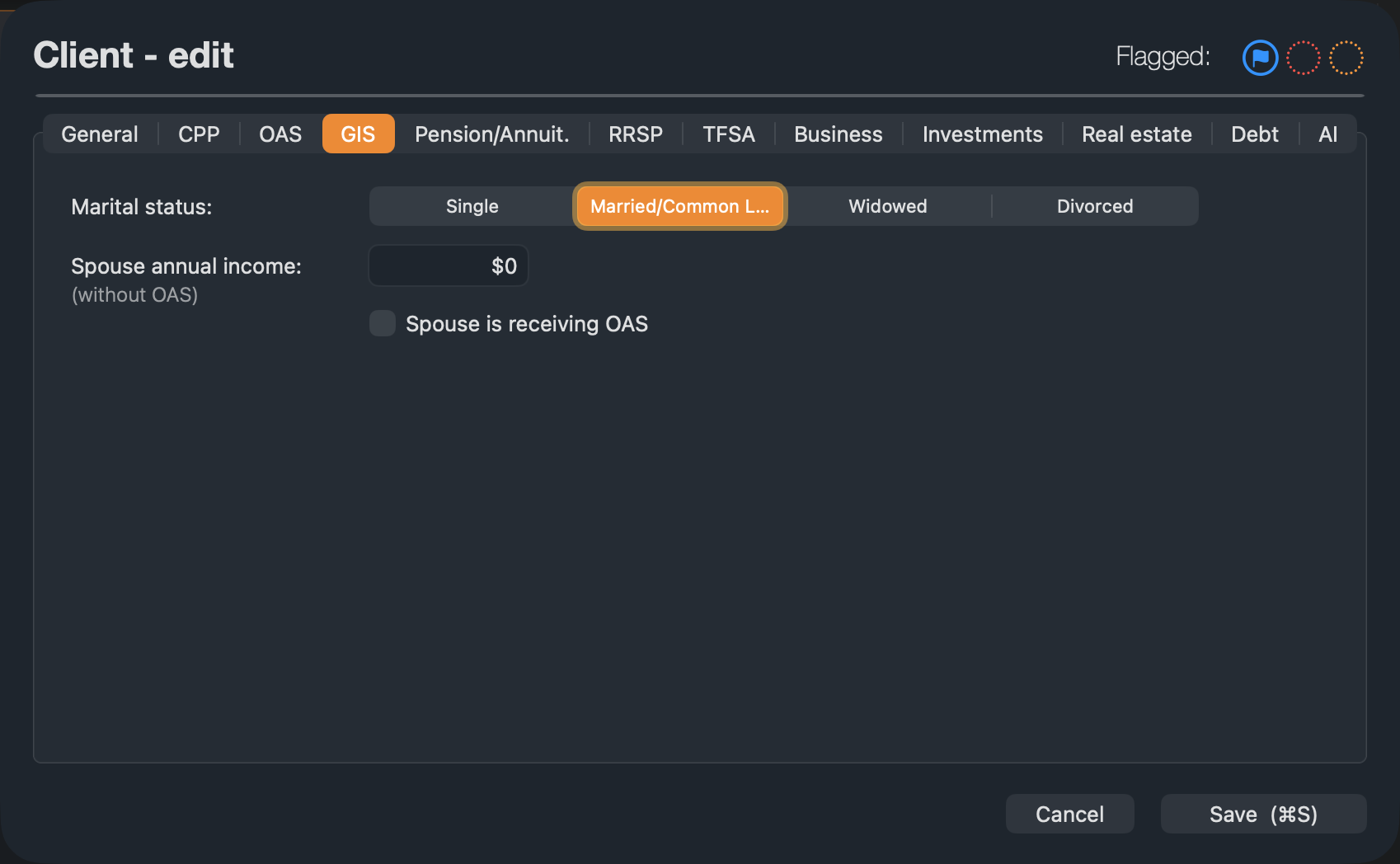
The spouse link is kept only while the marital status is Married/Common Law. Choosing another status, or (none) as the spouse, removes the link from both clients. A client who is already someone else’s spouse can’t be chosen.
Link their strategies
Each person can have several strategies, so you also say which of the spouse’s strategies goes with this one.
- Select the client and one of their strategies.
- In the settings bar, choose the spouse’s strategy in Linked spouse strategy.
The spouse’s strategy is linked back to this one automatically, so the pair work together from either side. A strategy pairs with one strategy at a time: linking it to another one replaces the old pair. Choose (none) to unlink both.
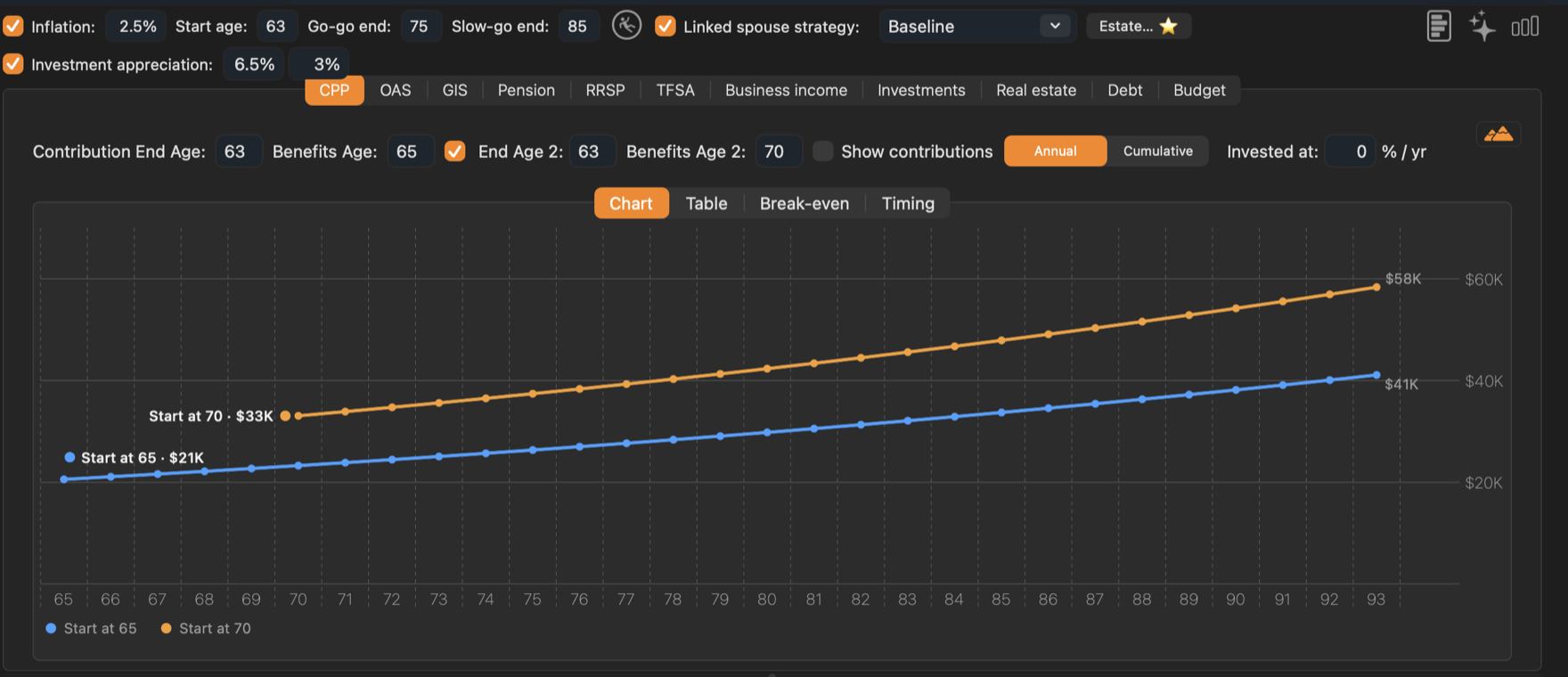
- 1Linked spouse strategy. The list shows the spouse’s strategies. The Estate… button next to it appears once a strategy is linked.
What linking changes
- GIS is worked out on the couple’s combined income, using the rate for a spouse who receives OAS. See GIS.
- Survivor benefits. When one spouse reaches their planning age before the other, the survivor receives a CPP survivor pension, and GIS switches to the single rate.
- Household mode adds the two projections together and finds the best pension split each year. See Household mode.
- Estate & Survivorship sets what passes to the survivor — accounts, property, pension and debts — when the first spouse dies. See Estate & Survivorship.
Who “dies first” in a plan is decided by the planning ages: the spouse whose Expected age falls in the earlier calendar year. To plan for the other order, change the two expected ages.