 Retirement Planner Guide
AI withdrawal strategy
The AI withdrawal strategy sends the plan’s numbers to an AI service you choose — Anthropic Claude, OpenAI ChatGPT or Google Gemini — and applies the withdrawal plan it suggests, together with its reasoning in plain words.
Set up an AI provider
The feature uses your own account with the AI provider; its usage is billed by the provider and is not part of your Retirement Planner plan.
- Create an account with the provider and get an API key from its website.
- In Retirement Planner, choose Retirement Planner ▸ Settings... and click AI.
- Choose the AI Provider and a Model — the one marked Recommended is a good start — and paste the key into API Key.
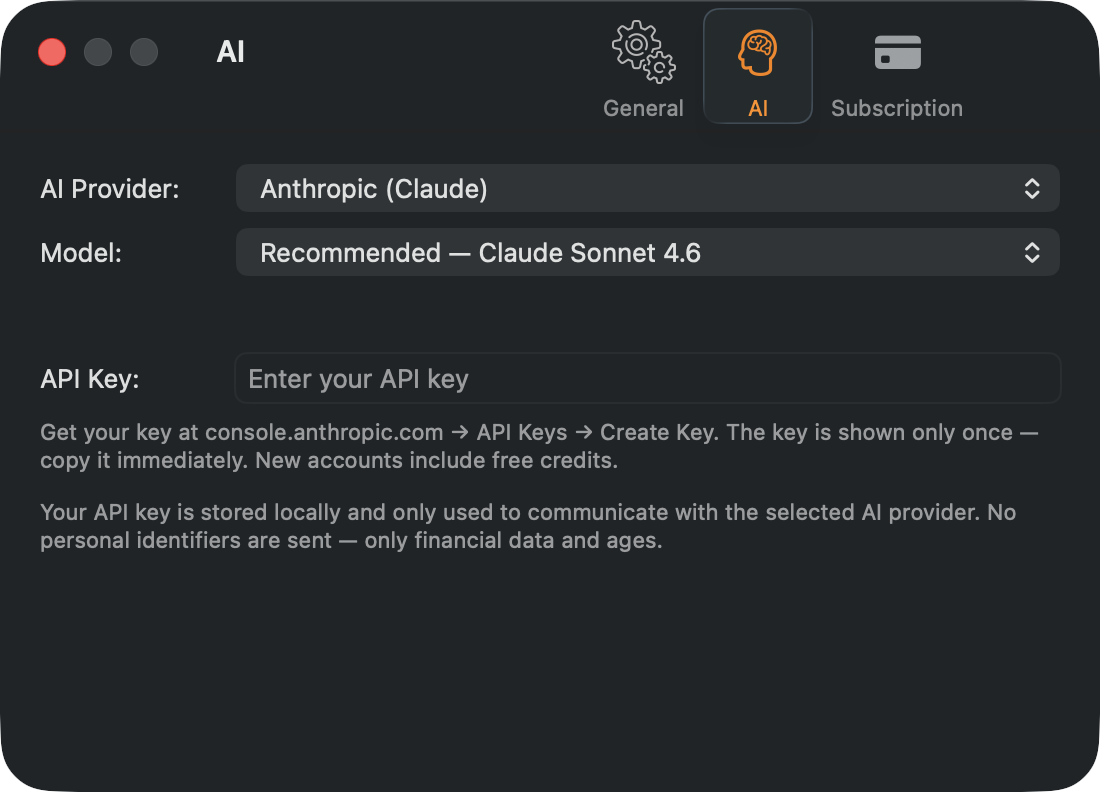
The key is kept in your Mac’s keychain and used only to talk to the provider you chose. One key is stored; if you change provider, enter that provider’s key.
Get an AI strategy
- Duplicate the strategy first: the suggestion is applied to the strategy you run it on.
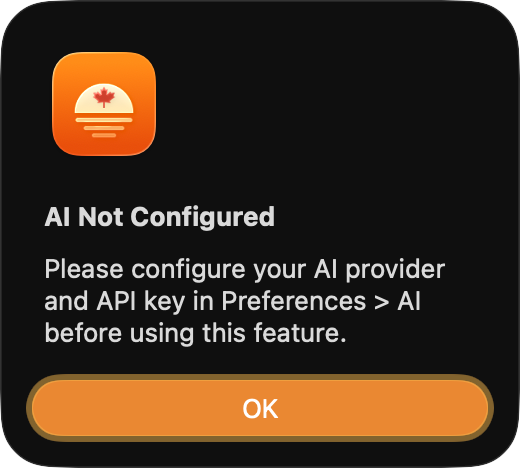
- Make sure the strategy has a budget.
- Click the sparkle button at the right of the settings bar and choose AI Withdrawal Strategy.
- Read what will be sent and click Proceed.
After a short wait, the suggestion is applied: CPP and OAS start ages, the withdrawal start ages and year-by-year withdrawals for the RRSP, TFSA, investments and business account. The AI Withdrawal Exchange window then opens with the AI’s reasoning, the request and the response. To see it again later, choose View ▸ View most recent AI Exchange.
What is sent
Only numbers: ages, province, balances and cost bases, pensions, the strategy’s settings, the budget, and a year-by-year table of income, withdrawals and balances. The client’s name, e-mail, phone number and address are never sent.
AI suggestions can be wrong. Check the result on the chart and in the table, and treat it as a starting point, not advice.
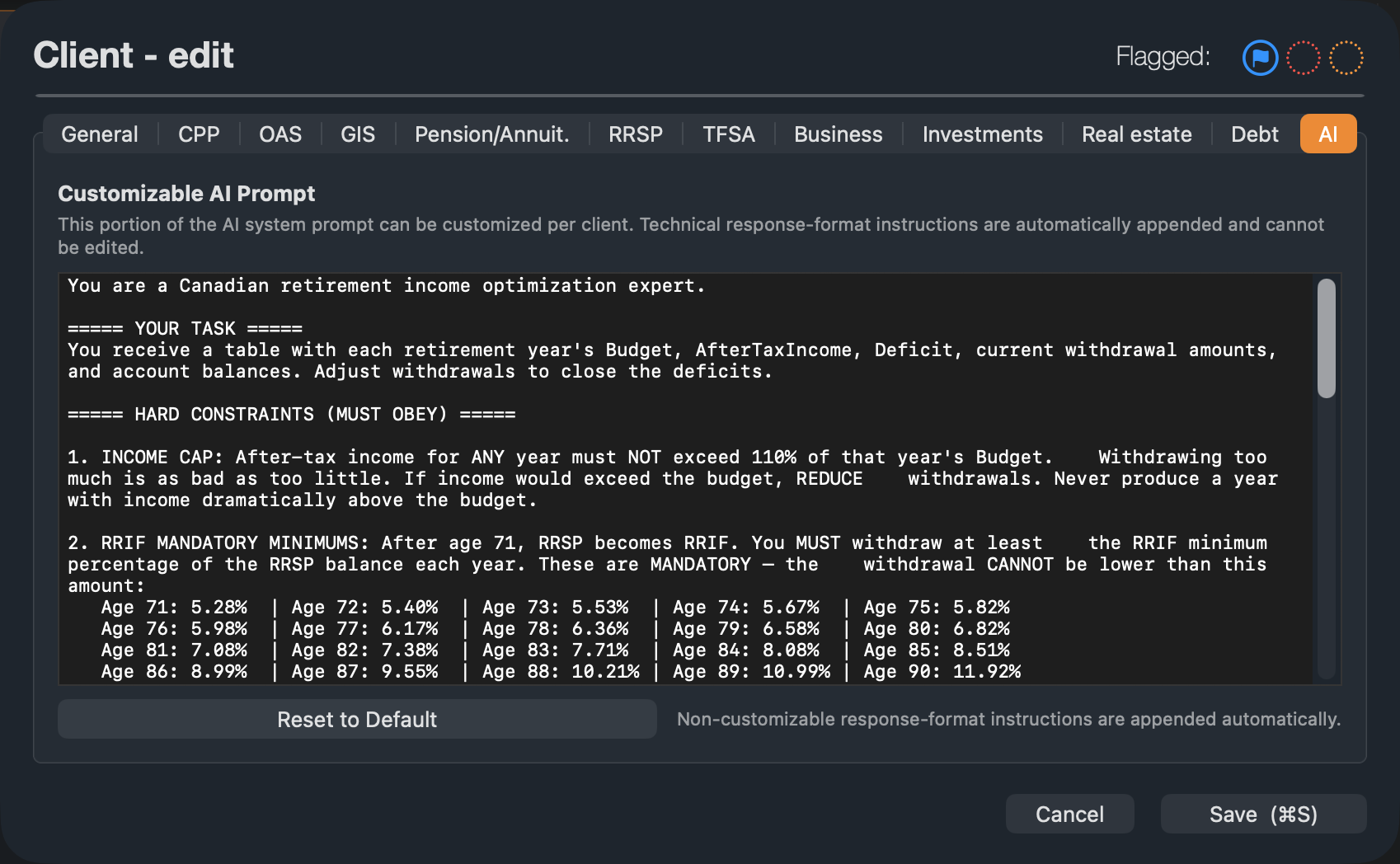
Customize the instructions
Each client’s profile has an AI tab with the instructions sent to the AI — for example, never to exceed the budget by more than 10%. Edit them to suit the client, or click Reset to Default. Technical instructions about the format of the answer are added automatically.