 Retirement Planner Guide
Investments
The Investments tab is for savings outside an RRSP or TFSA — a non-registered, taxable investment account. Only the gain in each withdrawal is taxed, so the adjusted cost base matters.
Set up the account
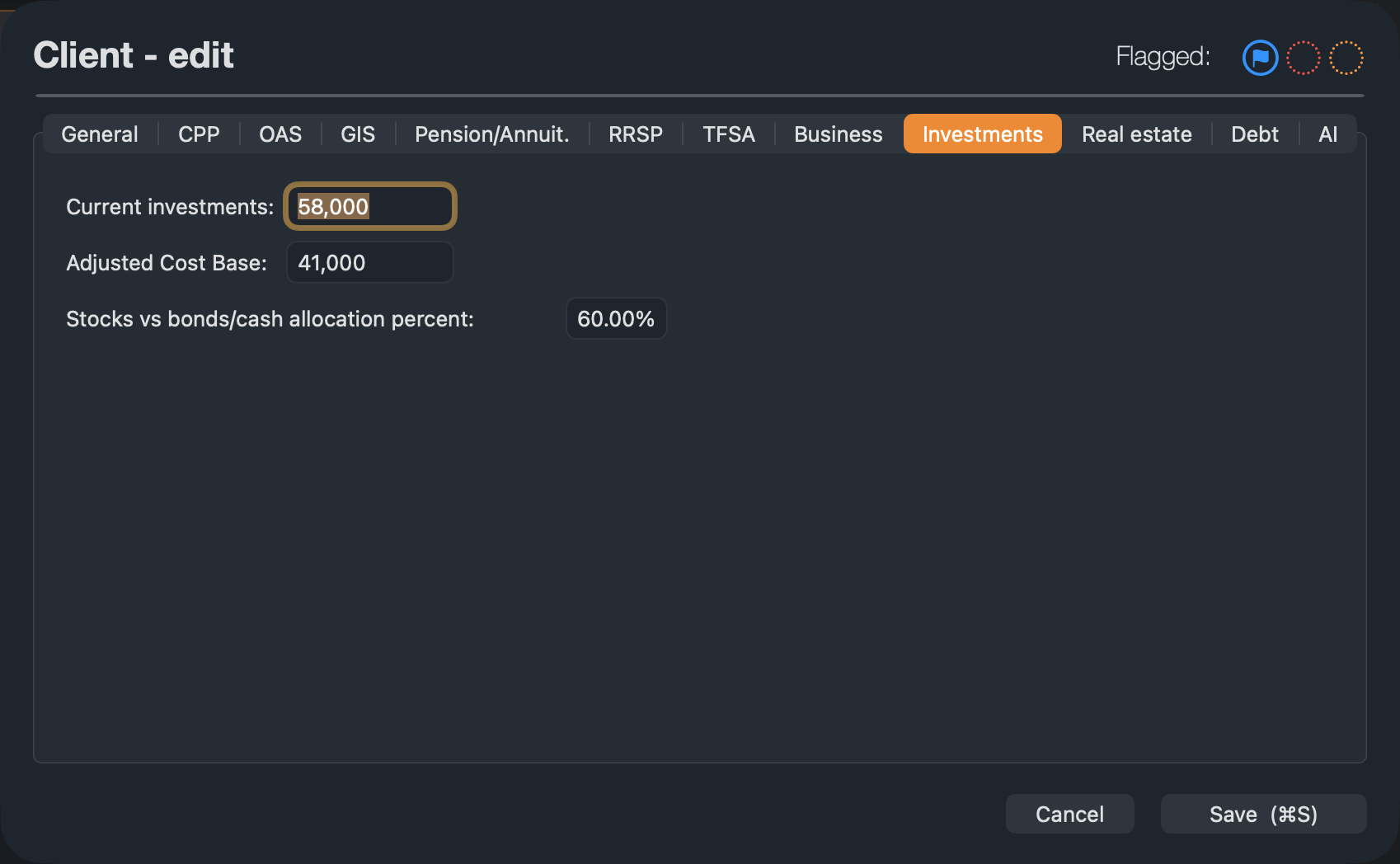
- Edit the client and open the Investments tab. Enter the Current investments, their Adjusted Cost Base — what was paid for them — and the share in stocks.
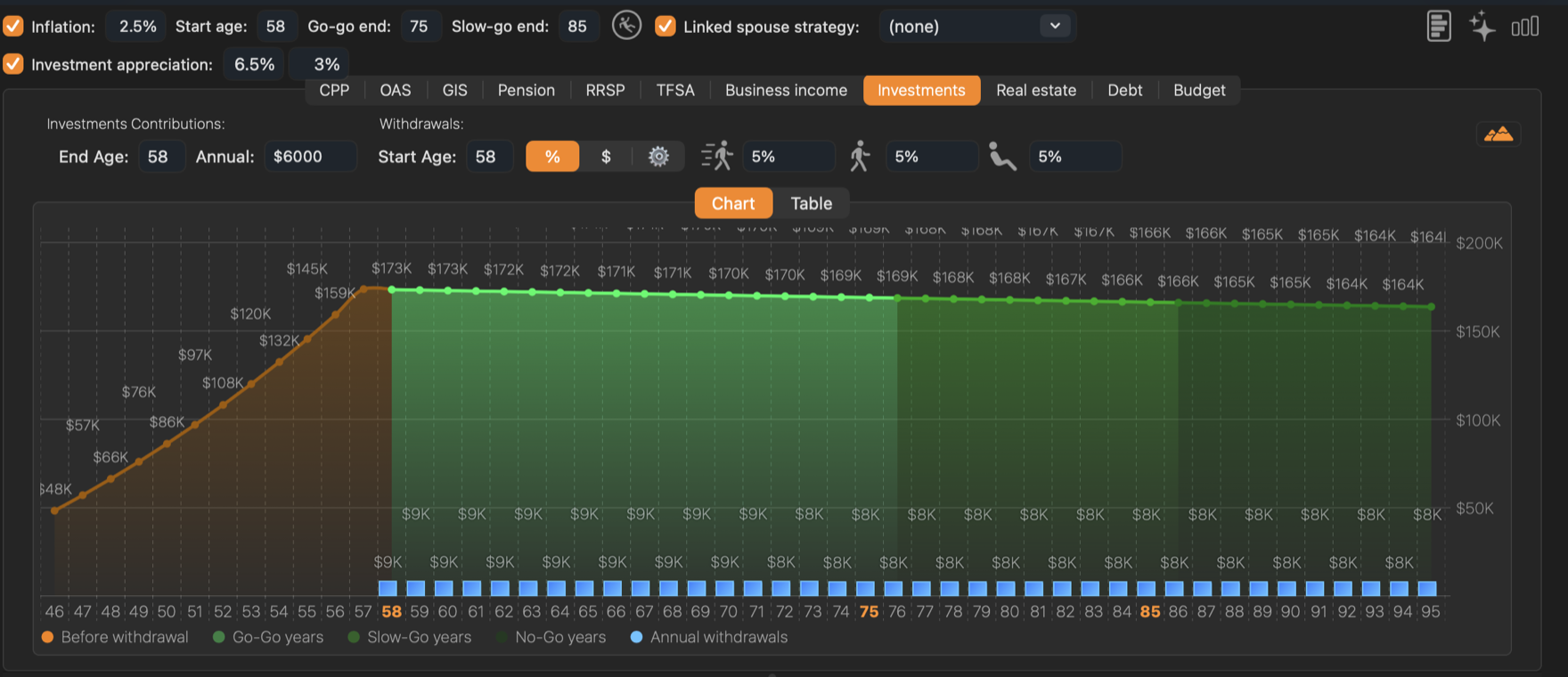
- On the strategy’s Investments tab, enter the Annual amount added each year and the End Age.
- Set the withdrawal Start Age and the rate or amount for each phase, as on the RRSP tab. A percentage is taken of each year’s balance.
How it is taxed
Each withdrawal is split between cost base and gain in proportion to the account. Half of the gain is taxable; the rest of the withdrawal is not. New contributions add to the cost base.
If you leave the adjusted cost base at zero, every dollar withdrawn is treated as gain, which overstates the tax.
When a property is sold, what is left after the mortgage is paid off goes into this account. See Real estate.