 Retirement Planner Guide
User guide
Retirement Planner for Mac
Bring CPP, OAS, GIS, RRSPs, TFSAs, pensions, investments and property into one plan, see your after-tax income for every year of retirement, and find out whether your savings will last.
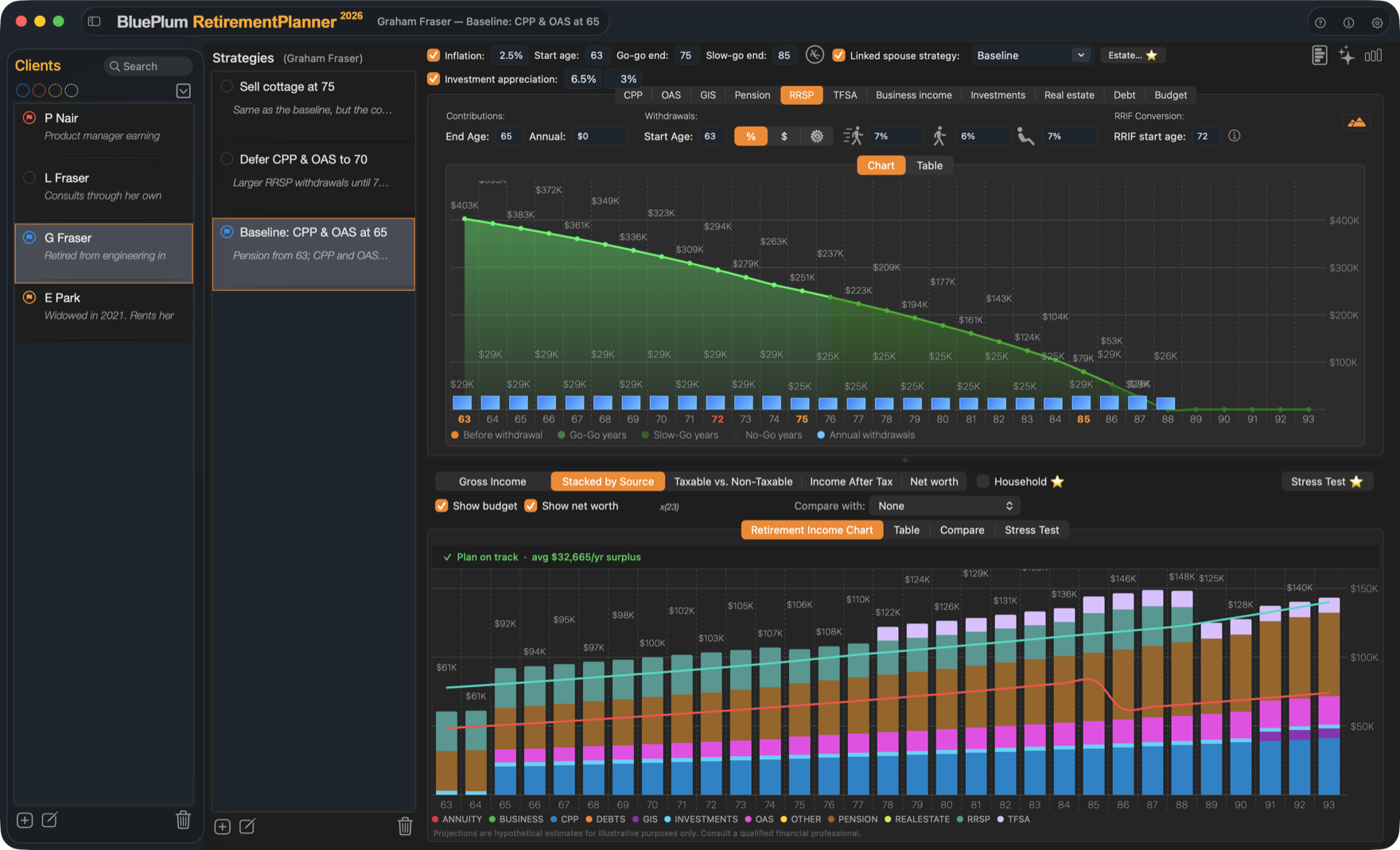
Start here
STEP 1Install and take the tourFirst launch, the guided tour and the free trial.
STEP 2Add a clientName, birthdate, province, planning age and a spouse.
STEP 3Build a strategyEnter each income source and the budget you need.
STEP 4Read the resultsThe income chart, the table, and whether the plan is on track.
All chapters
Advisor Advisor plan only
Start
Clients and strategies
Government benefits
Pensions and savings
Property, debt and budget
Results
Planning tools
Your data and account
Not financial or tax advice. Retirement Planner produces estimates for planning. Talk to a qualified financial advisor or tax professional before you act on them. See Legal notices.