 Retirement Planner Guide
Business income
The Business income tab is for money held inside your own company — a professional or holding corporation — and paid out to you as dividends in retirement.
Set up the company account
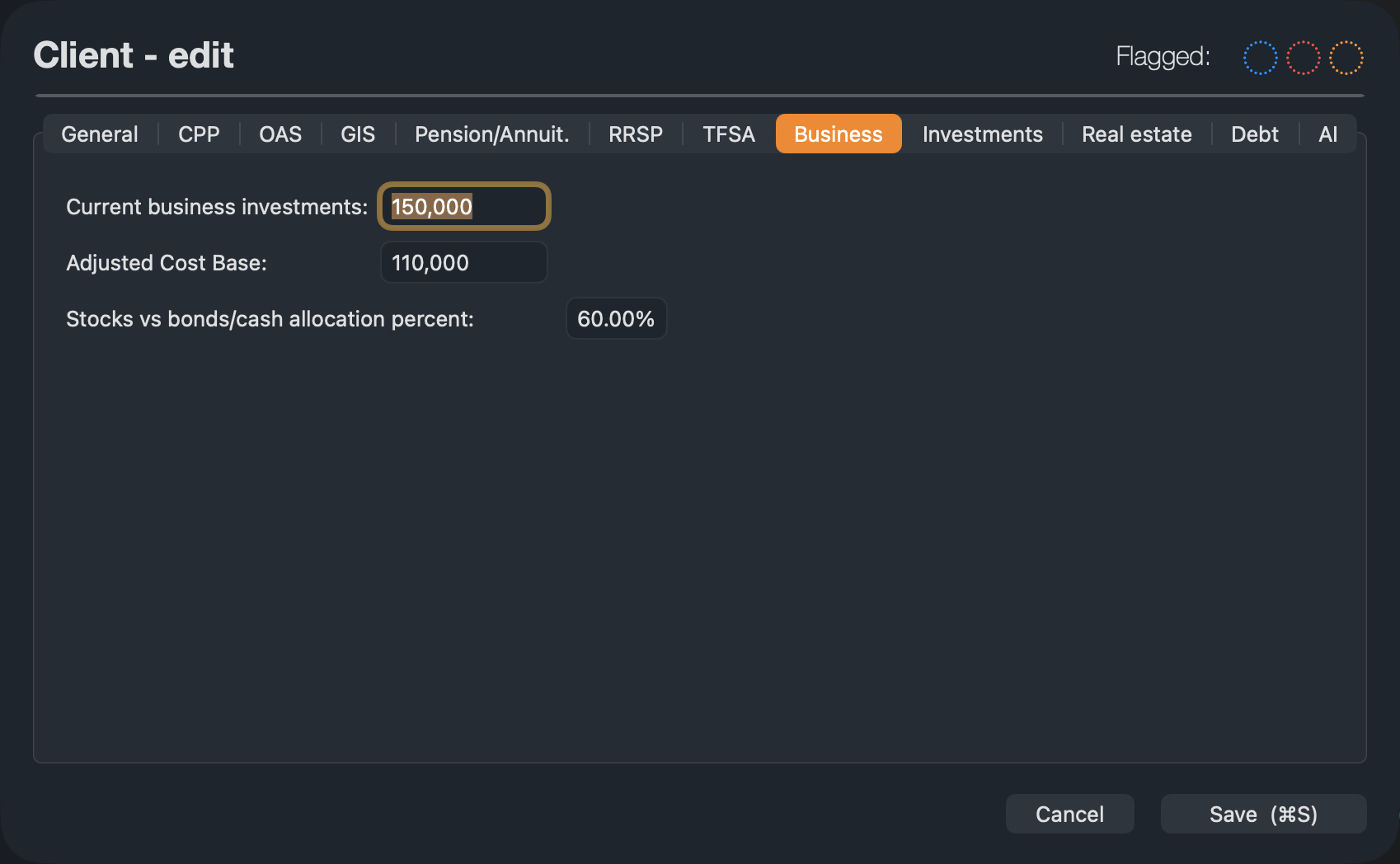
- Edit the client and open the Business tab. Enter the Current business investments, their Adjusted Cost Base and the share in stocks.
- On the strategy’s Business income tab, under Business Income, enter the Annual amount the company keeps and invests each year, and the End Age.
- Under Withdrawals, set the Start Age and the rate or amount for each phase, as on the RRSP tab. Here a percentage is taken of each year’s balance.
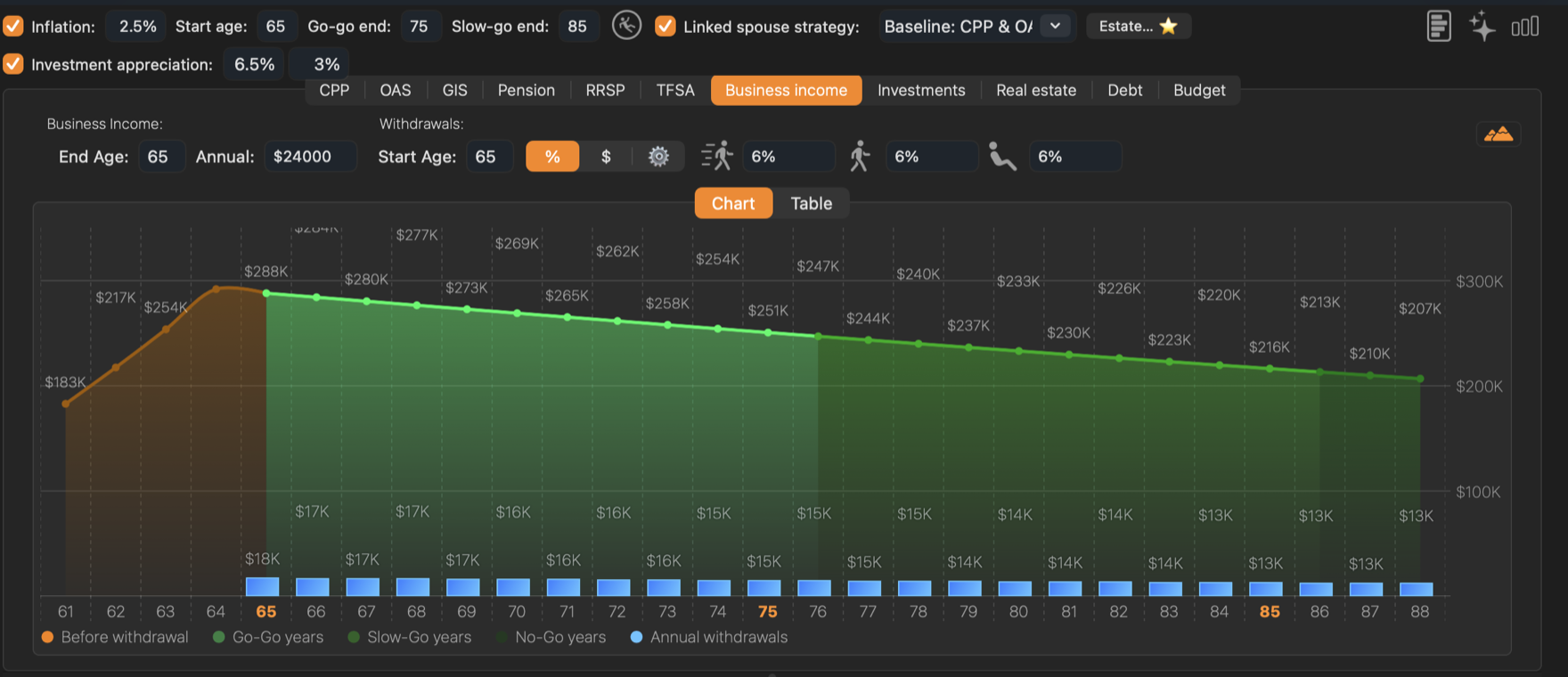
The Annual amount is money the company keeps and invests, not your personal income. Salary you pay yourself before retirement is not part of the projection.
How it is taxed
Each withdrawal is treated as a sale of company investments paid out as an eligible dividend:
- The part above the adjusted cost base is a capital gain. Half of the gain is taxable; the company pays its tax on that half first.
- What is left of the taxable half reaches you as an eligible dividend: grossed up and taxed on your return, less the federal and provincial dividend tax credits.
- The cost base and the untaxed half of the gain come out tax-free.
The Table tab lists the withdrawals and the account balance for each age.