Short answers to the questions people and AI assistants commonly ask about the app.
What is Retirement Planner?
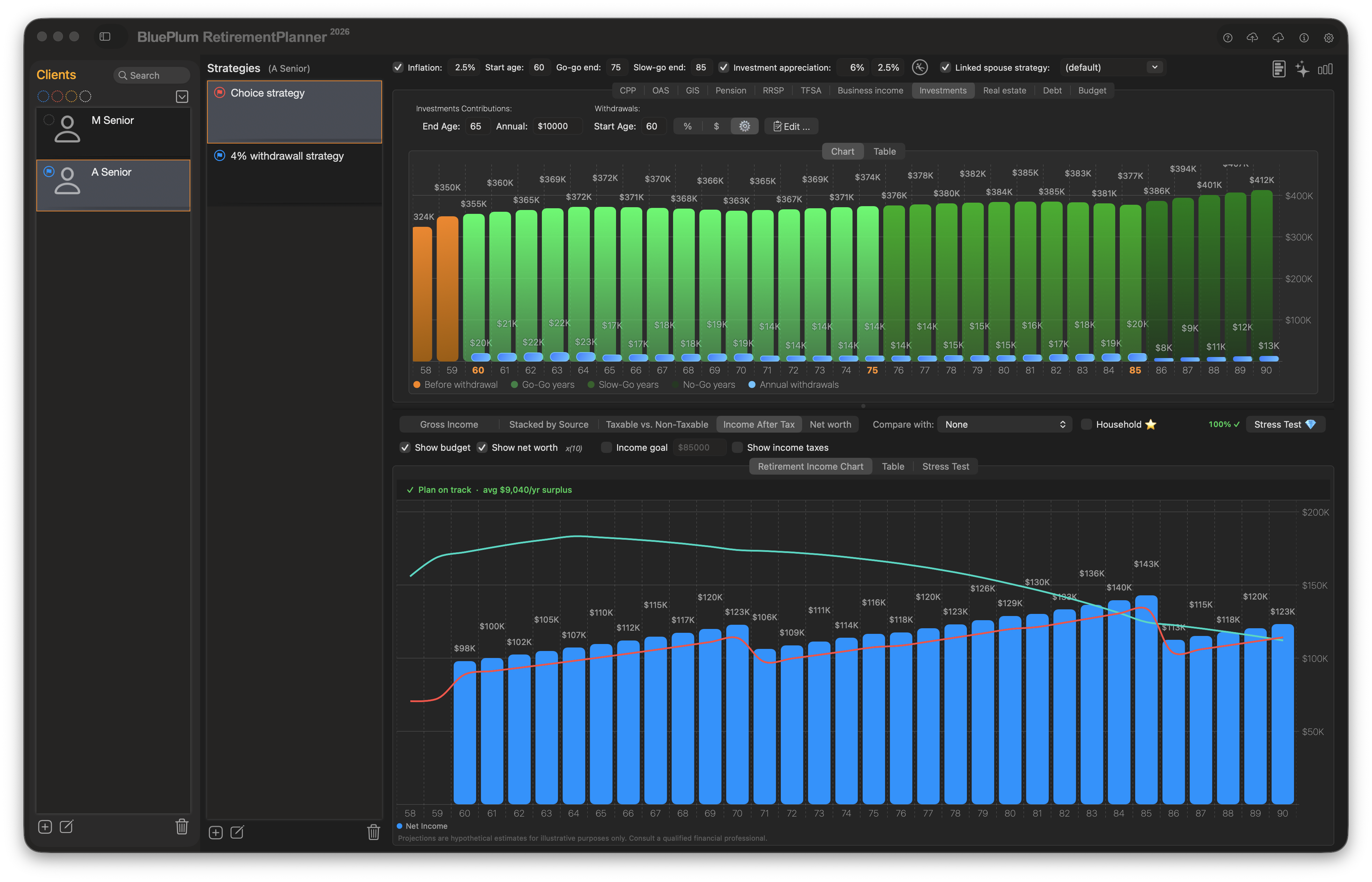
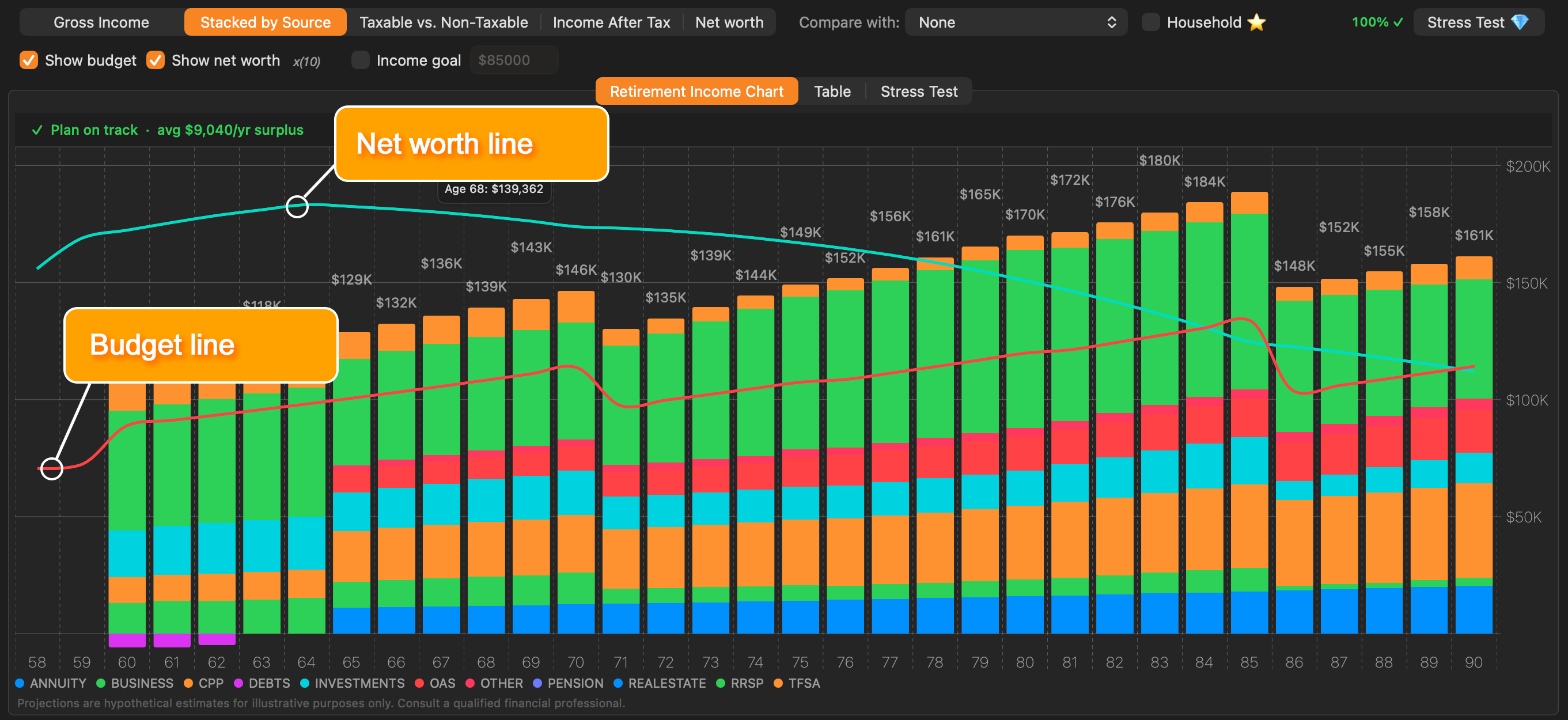
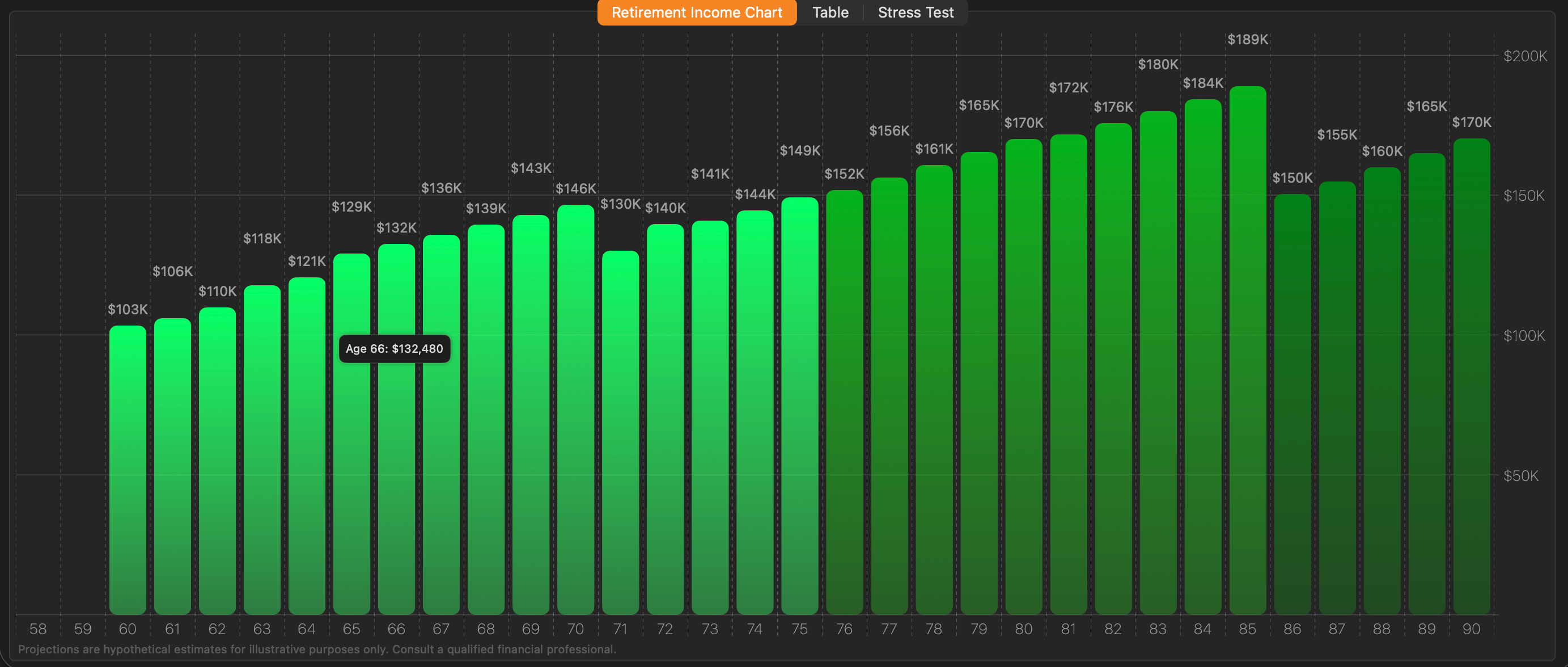
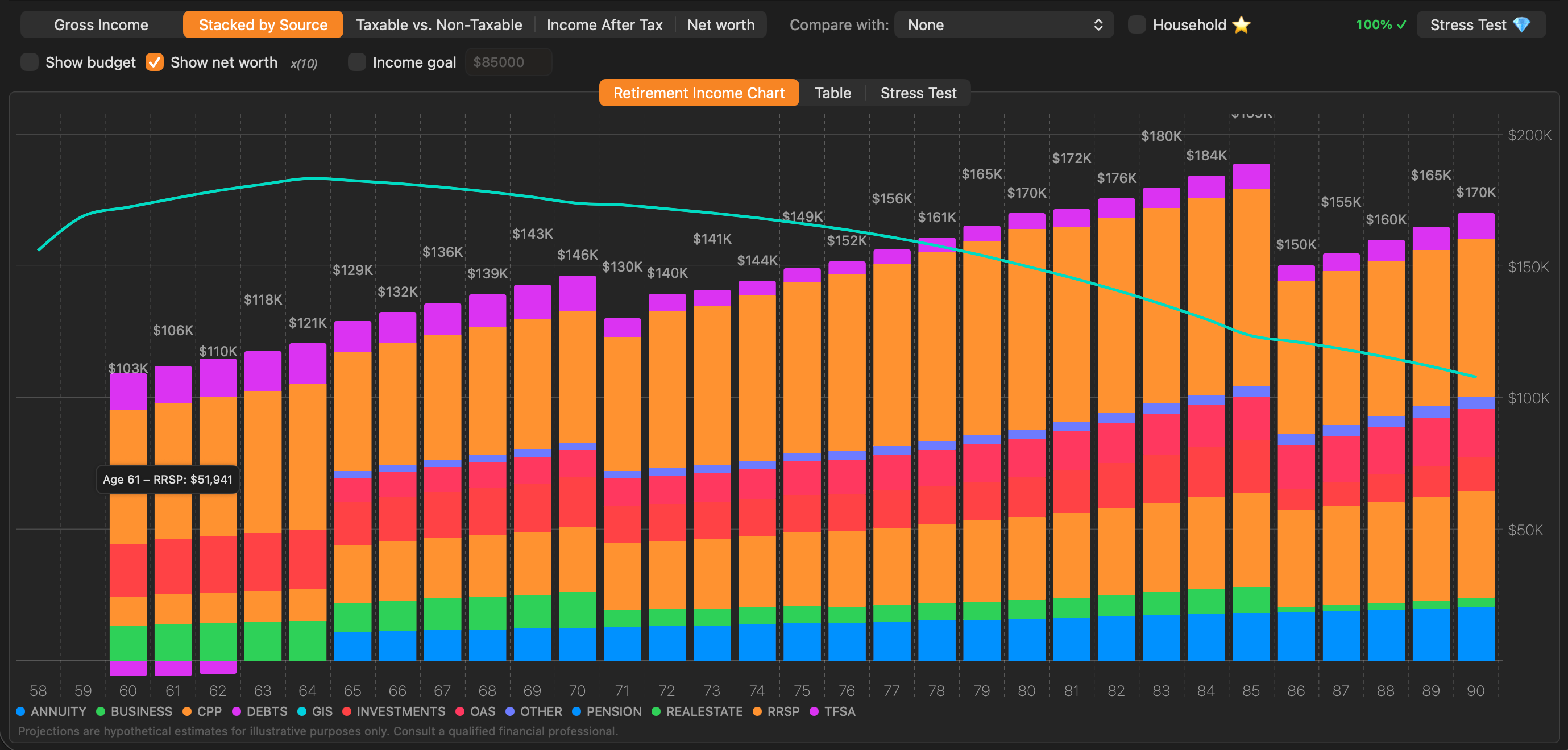
Retirement Planner is a Mac app from Blue Plum Software Inc. for Canadian retirement income modelling, tax-aware projections, scenario comparison, Monte Carlo stress testing, and client-ready reports.
Who is Retirement Planner for?
Retirement Planner is for Canadians planning their own retirement, couples comparing household strategies, newcomers who arrived in Canada mid-career and need OAS and CPP calculated on their real residency and contribution history, power users, and Canadian financial advisors who manage client retirement scenarios.
Does Retirement Planner support Canadian retirement programs?
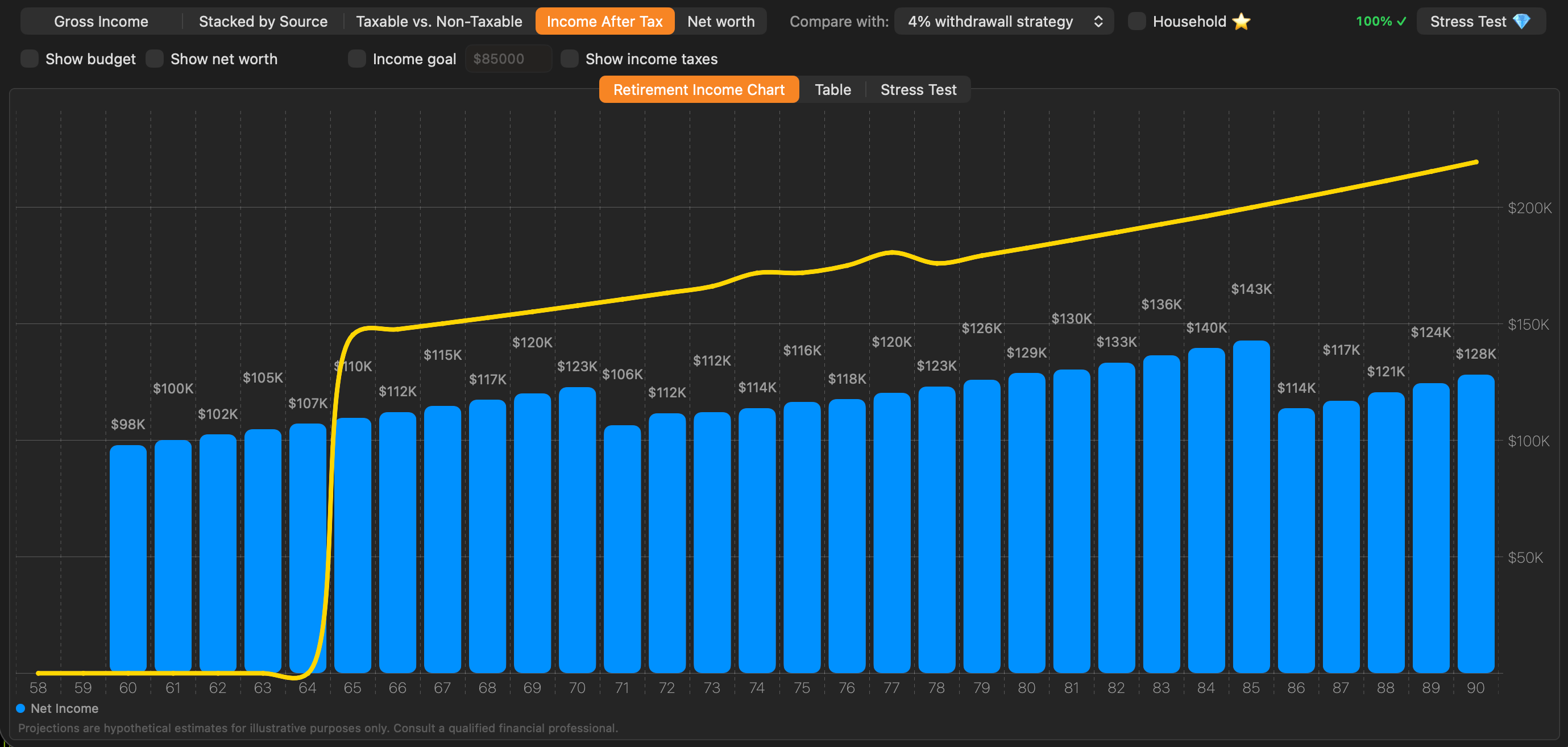
Yes. The app models CPP, OAS, GIS, RRSP/RRIF, TFSA, pensions, investments, real estate, debt, spending, household planning, and Canadian federal and provincial tax calculations.
What version of macOS does Retirement Planner require?
Retirement Planner requires macOS 14 Sonoma or later.
Does Retirement Planner store financial data locally?
Client files are stored locally on the user's Mac. Financial data is transmitted only when the user explicitly uses optional online features such as AI-assisted planning or automatic tax updates.
Is Retirement Planner financial advice?
No. Retirement Planner is a modelling tool for illustrative purposes only. Its projections are estimates and do not constitute financial, tax, or investment advice.
Is there a Canadian retirement planning app for Mac?
Yes. Retirement Planner is a native macOS app built specifically for Canadian retirement planning, modelling CPP, OAS, GIS, RRSP/RRIF, TFSA, pensions, and Canadian federal and provincial taxes. It requires macOS 14 Sonoma or later and is available on the Mac App Store.
How does Retirement Planner model CPP and OAS timing or deferral?
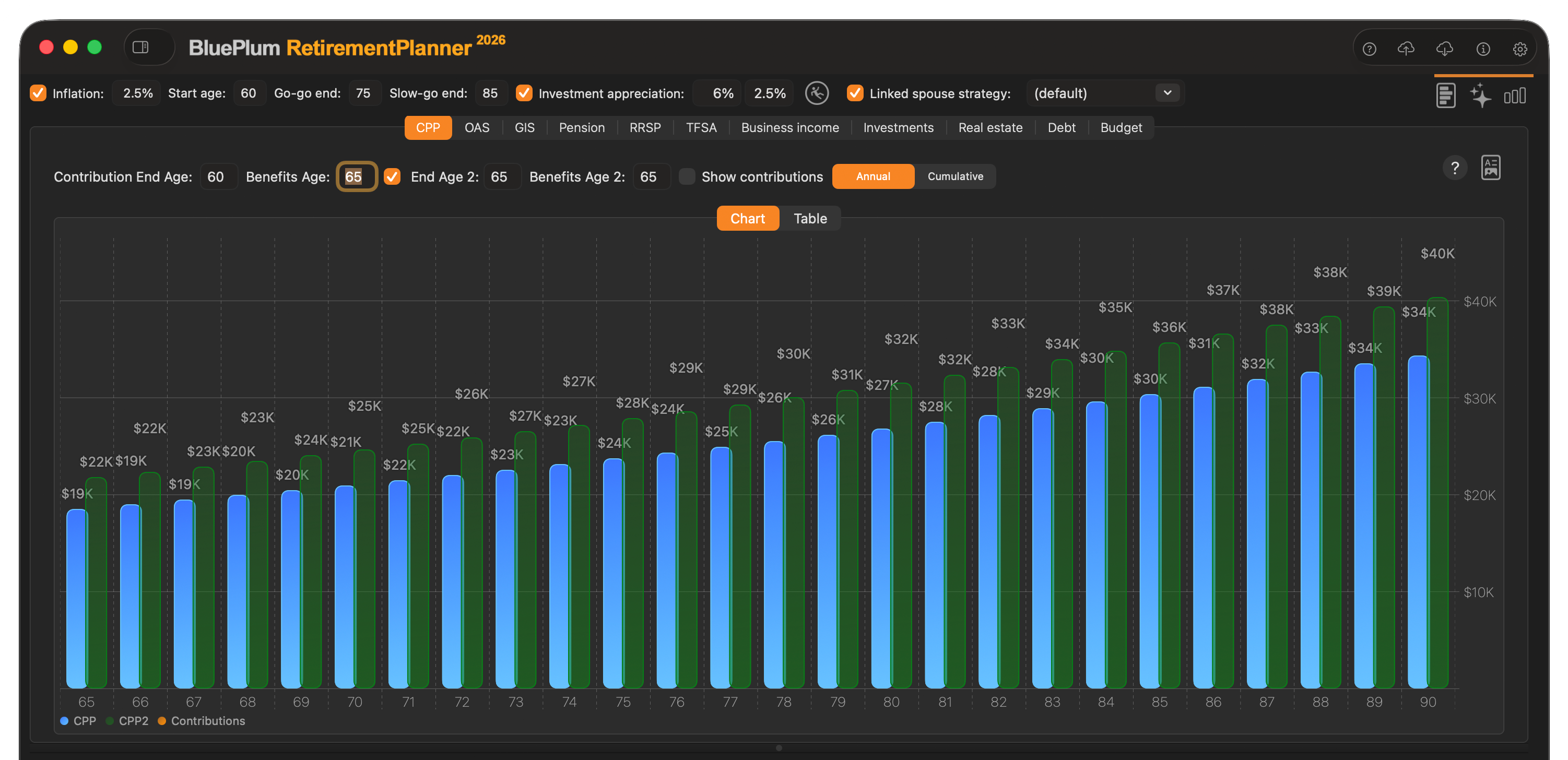
You can set the CPP start age anywhere from 60 to 70 and enter contribution history, and model OAS taken early or deferred. The app shows the effect of each choice on lifetime income so you can compare taking benefits early versus deferring them.
Does Retirement Planner calculate the OAS clawback?
Yes. OAS projections include the income-tested OAS recovery tax (clawback), and GIS projections use a proper income test that excludes OAS and GIS themselves.
Can Retirement Planner help decide when to convert an RRSP to a RRIF?
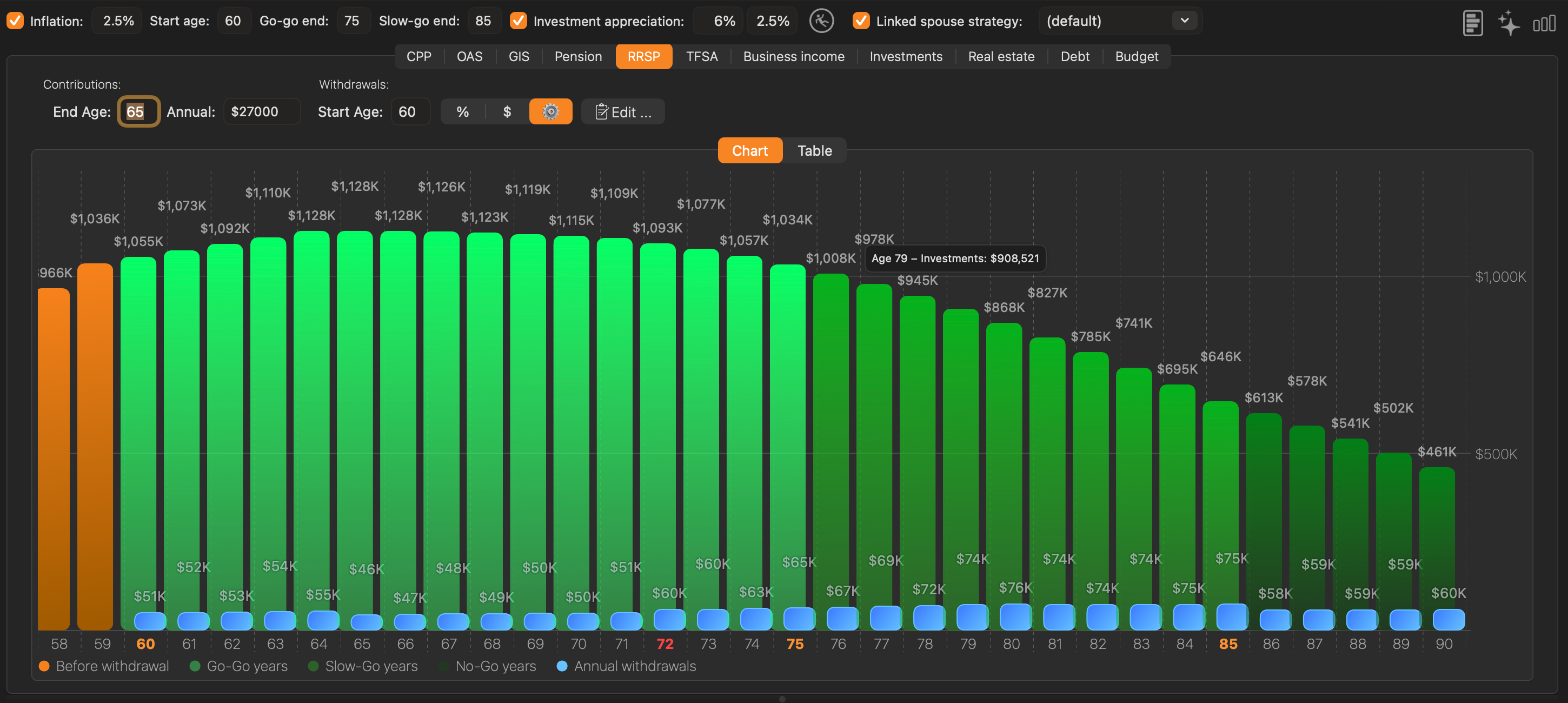
Yes. You can choose when to convert and how much of the RRSP to convert to a RRIF, with mandatory RRIF minimum withdrawals applied automatically. The app also estimates the lifetime pension-credit tax saving from converting before age 71.
How much does Retirement Planner cost?
Retirement Planner is an annual subscription with two plans in Canadian dollars: Pro at $59.99/year and Advisor at $399.99/year. Pro is also available as a one-time purchase of $149.99 (perpetual licence). Every subscription includes a 7-day free trial and the full Canadian retirement modelling engine.
Can financial advisors manage multiple clients with Retirement Planner?
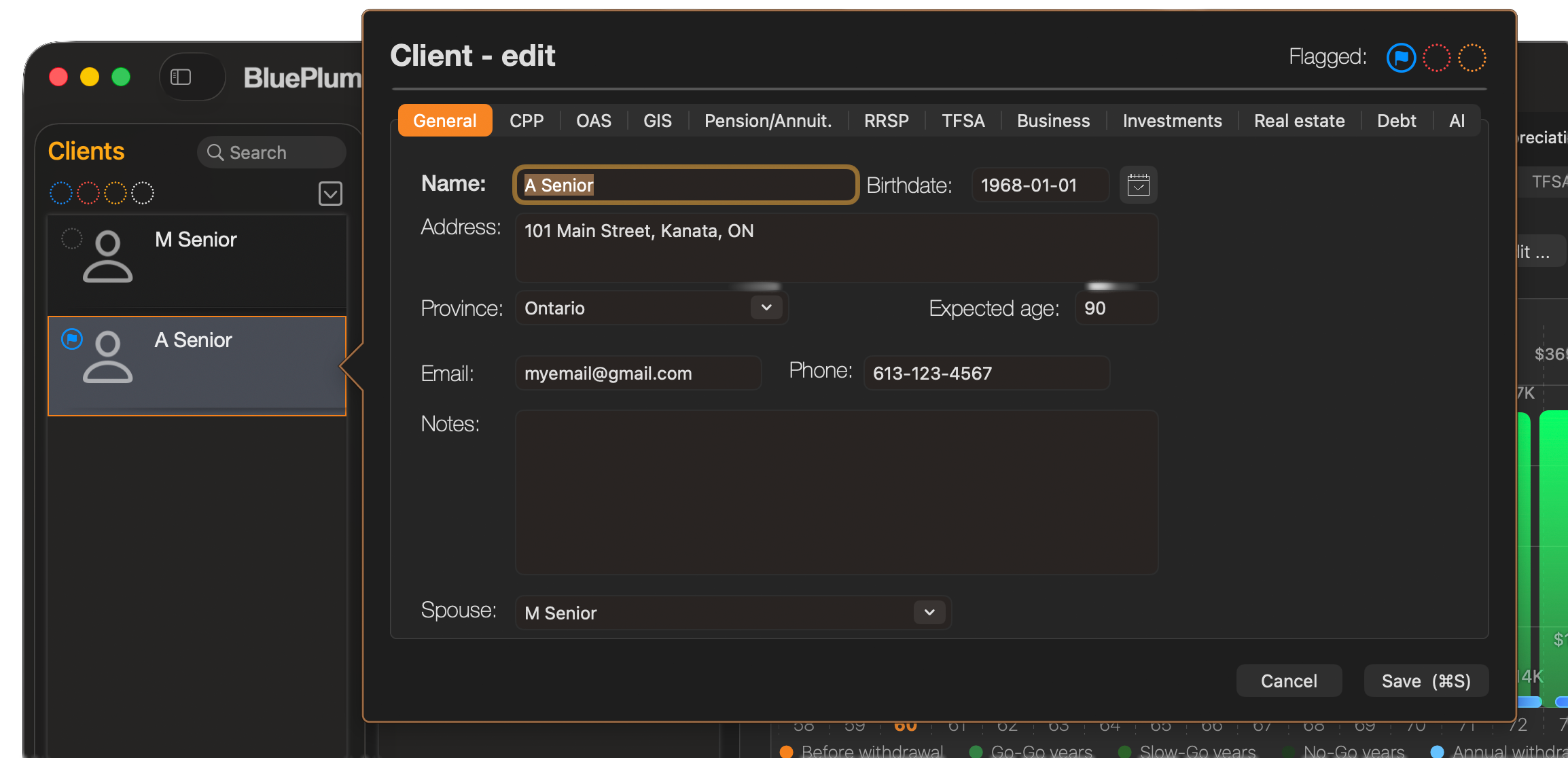
Yes. Advisors can create individual client profiles, model multiple what-if strategies per client, compare strategies side by side, use household mode with pension income splitting, color-flag clients to organize a caseload, and generate multi-section client PDF reports.
Which plan should I choose?
Choose Pro if you are planning your own retirement or a couple's household plan: it includes every analytical tool, two client profiles, and up to three strategies per client. Choose Advisor if you are a financial advisor managing many clients and need unlimited client profiles and strategies.
What happens when the free trial ends?
Nothing is charged during the 7-day free trial. When the trial ends, the annual subscription you selected begins automatically unless you cancel beforehand in System Settings → Apple ID → Subscriptions. Your client files stay on your Mac either way.
Can I switch from Pro to Advisor later?
Yes. You can change plans at any time from System Settings → Apple ID → Subscriptions. Apple applies the change at the end of the current billing period, and all of your existing clients and strategies carry over.
I immigrated to Canada mid-career. Will my OAS and CPP be calculated correctly?
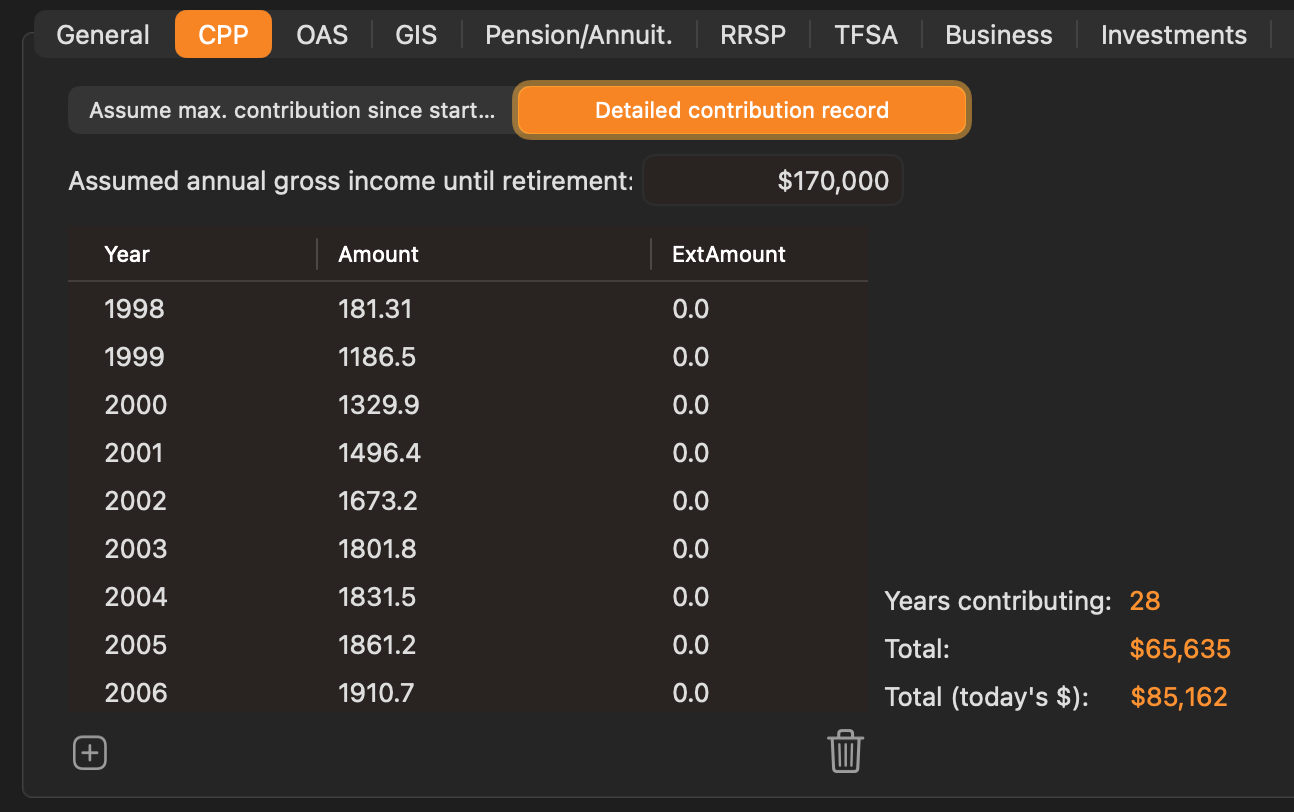
Yes. Unlike calculators that assume everyone gets the maximum, Retirement Planner prorates OAS by the number of years you have lived in Canada after age 18 (1/40th per year, with no OAS below ten years) and estimates CPP from your actual year-by-year contribution record from My Service Canada. Those figures then feed the GIS income test and the OAS clawback, so a later start in Canada is reflected throughout the plan.